

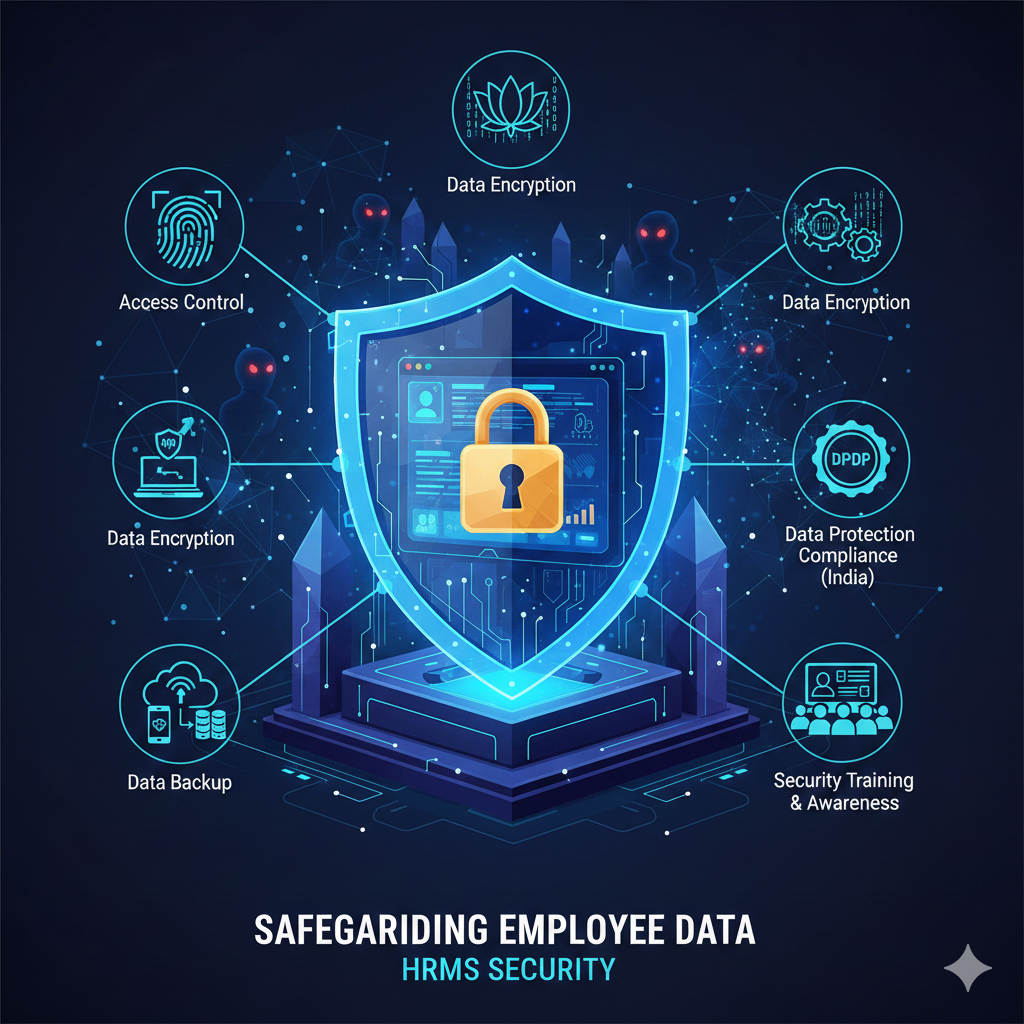
Your organization’s HRMS is the most critical system to manage and administer your employees’ data. It holds sensitive employee data, such as contact information, confidential financial information, and reviewed job performances. It is an ethical and legal responsibility to safeguard such data. There is no question that a data breach is costly. It can result in financial losses, a tarnished reputation, and loss of employee confidence.
Investing in the protection of your employees’ records and personal information is crucial to building a solid protection system that guards your most important asset—your employees. This guide is meant to provide the most important tips to protect your employees’ personal data in an HRMS. Access control, data protection, and reliable data backup, along with system protection, will be addressed.
Examining the Threats to HRMS Data
Before we examine the available solutions, we must first discuss the existing problems. For a number of reasons, cybercriminals attack HRMS data. It includes records of employees and other such data reprehensible given the nature of the data. Cybercriminals capture access passwords through phishing attacks, and malware that transfers credentials can be placed, along with other negative employee practices. Identifying internal threats is the foundation of a solid system.
Crucial Steps to Safeguarding Employee Data
Safeguarding your HRMS calls for diverse technology and policy frameworks. The following are the main approaches every organization must take.
1. Adopt Effective Restriction Access Policies
No one in your organization needs to access every employee’s data. Your first line of defense is tailoring data access on a need-to-know basis. This is termed the principle of least privilege.
Role-Based Access Control (RBAC): Assign permissions according to an employee’s job function and responsibility. A line manager might see data for their direct reports only, while an HR administrator has broader data access. Most modern HRMS solutions have RBAC attributes that sufficiently address this.
Regularly scheduled Reviews: Assess data access on a regular basis and revoke access to employees that have shifted roles or exited the organization. This stops “privilege creep,” whereby users build up an abundance of access rights.
Multi-Factor Authentication (MFA): Access is granted only after successfully presenting additional authentication factors that are beyond the single password. MFA can require users to enter a code from a mobile app or even provide a fingerprint. This is vital for blocking unauthorized users from logging in, especially with stolen credentials.
2. Make Sure Data is Encrypted
Data is encrypted and scrambled that no one can read it without having the appropriate key to decrypt it. This is standard with an HR management system.
Data in Transit: Data that is transferred to and from the user and the HR management system server must always be encrypted and protected with the best available methods such as TLS (Transport Layer Security) to avoid interception.
Data at Rest: Data that is saved within your server’s databases must be encrypted. This means that if someone steals a physical server, the data within it is still inaccessible. Make sure to ask your HRMS provider how their encryption at rest works and the standards they follow.
3. Data Protection Compliance for HRMS from India
Following data protection practices is one of the most important responsibilities to manage. In India, the Digital Personal Data Protection (DPDP) Act defines regulations concerning the protection of data related to individuals. Failing to follow and comply with this legislation can result in significant financial losses.
Know Your Obligations: The DPDP Act requires organizations to secure data, obtain explicit consent from individuals, use data for its intended purpose, and protect data from breaches. Additionally, you must comply with individuals’ requests to provide or delete their data.
Select a Depersonalization-Compliant HRMS: Ensure that the HRMS you select has the necessary functionalities to comply with the DPDP laws. When evaluating and choosing an HRMS provider, look for tools for consent management, data retention policies, and features to process data subject access requests.
Employ a Data Protection Officer (DPO): Depending on the size and volume of processing of your data, it may be necessary to employ a DPO, who will be responsible for the supervision of your data protection efforts and the protection of your data in accordance with the legal frameworks.
4. Most Effective Methods for Restoring Data that is Stored in an HRMS
System crashes, user mistakes, and cyber threats are the most common causes of data loss. With a secure backup strategy in place, you can easily restore your data in a timely manner
Consistent Automated Backups: Manual backups are not reliable. Ensure that your HRMS is set to conduct regular backups automatically as often as each day.
3-2-1 Rule:
Ensure you apply the 3-2-1 backup rule; Maintain three copies of your data on two types of media, and make sure that one of these copies is kept off-site. When it comes to HRMS that is on the cloud, that usually means you want to ensure your provider has data centers in a number of different geographical locations.
Backups are unhelpful if you cannot restore them. Confidence in the ability to recover data is valuable and is built through consistent testing of the backup and recovery systems. Consider the date when you restore the data backup and implement an archive plan.
Backup data should always stay in secure places. Security is primarily even when data is in motion or at rest. Ensure encryption and physical and/or logical accessibility of backup data are at their maximum.
5. How to Set Up Secure Remote Access for HRMS Users
When it comes to remote and hybrid scheduling, the ability to provide secure access for remote users is paramount. Dashboard remote access is one of the most significant vulnerabilities an organization can have.
VPN:
Remote endpoint devices access to the HRMS, like laptops or mobile phones, must comply with security policy standards. Users must have updated antivirus, enabled firewalls, and patched operating systems for known vulnerabilities.
6. Security Training and Awareness
Technology is good, but it isn’t enough. Your workforce is a crucial element of your security.
Training Your Workforce: Train all employees, especially those in HR, on how to identify phishing emails, use strong passwords, and adhere to other security practices.
Encourage Security Reporting: Employees should feel comfortable and safe reporting anomalous activities. When security is a collective effort, your organization is far more secure.
Final Thoughts
Protecting your HRMS isn’t a one-time effort. It’s an ongoing effort. It’s an effort that includes frictionless technology, good policies, and a knowledgeable workforce. You should be able to construct a strong line of defense by applying stringent access limitations, encrypting data, providing compliance, maintaining secure backups, and providing secure remote access.
Hope you understood what all steps one should take to protect employee private information in an HRMS system. By doing this, you do not only shield your company from potential lawsuits and money loss, but you also gain your employees’ trust. First, compare what you have done in the past to this resource and find gaps that you can fix. As employees and their data belongs to you and your company hence it is important ti protect it.


